Platform & Integrations
NexusOS command center
One operating system that plays well with others. Part of the BidSync AI operating system — not a point tool. Evidence-backed, offline-first, and ready for DOT work.
Screenshots — NexusOS command center
Captured from the running BidSync AI app at 1600×900 — real screens, not mockups.
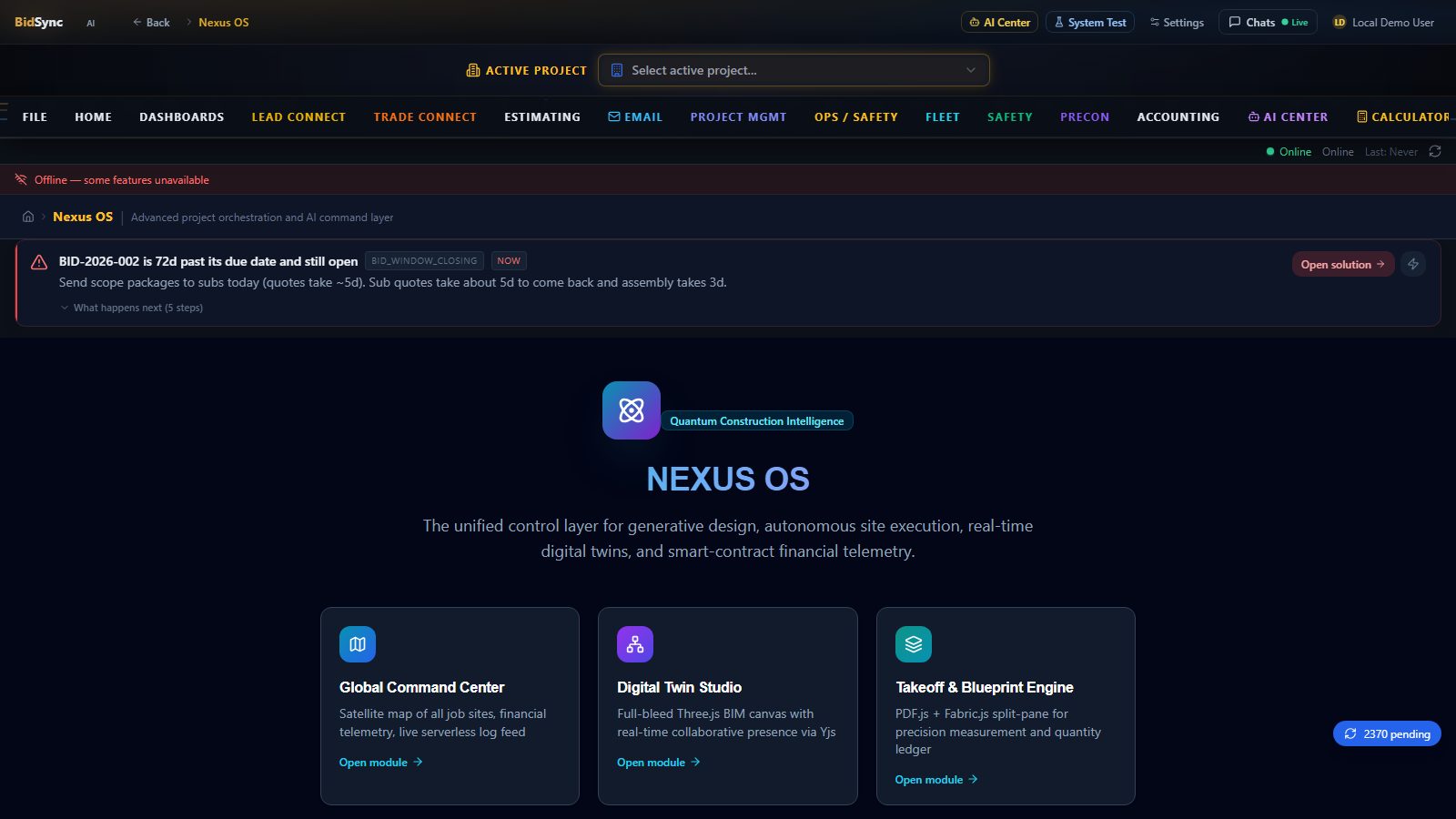
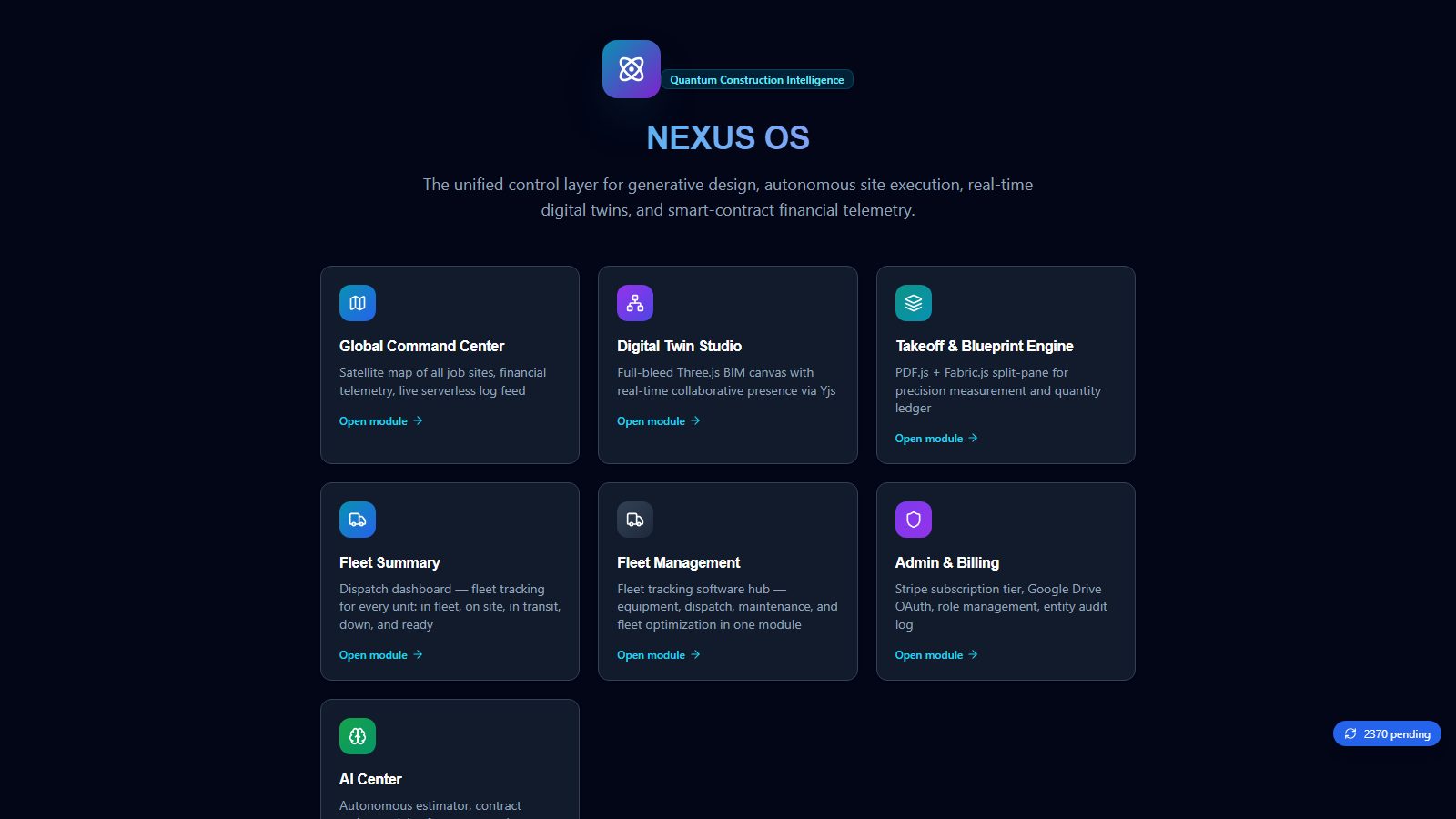
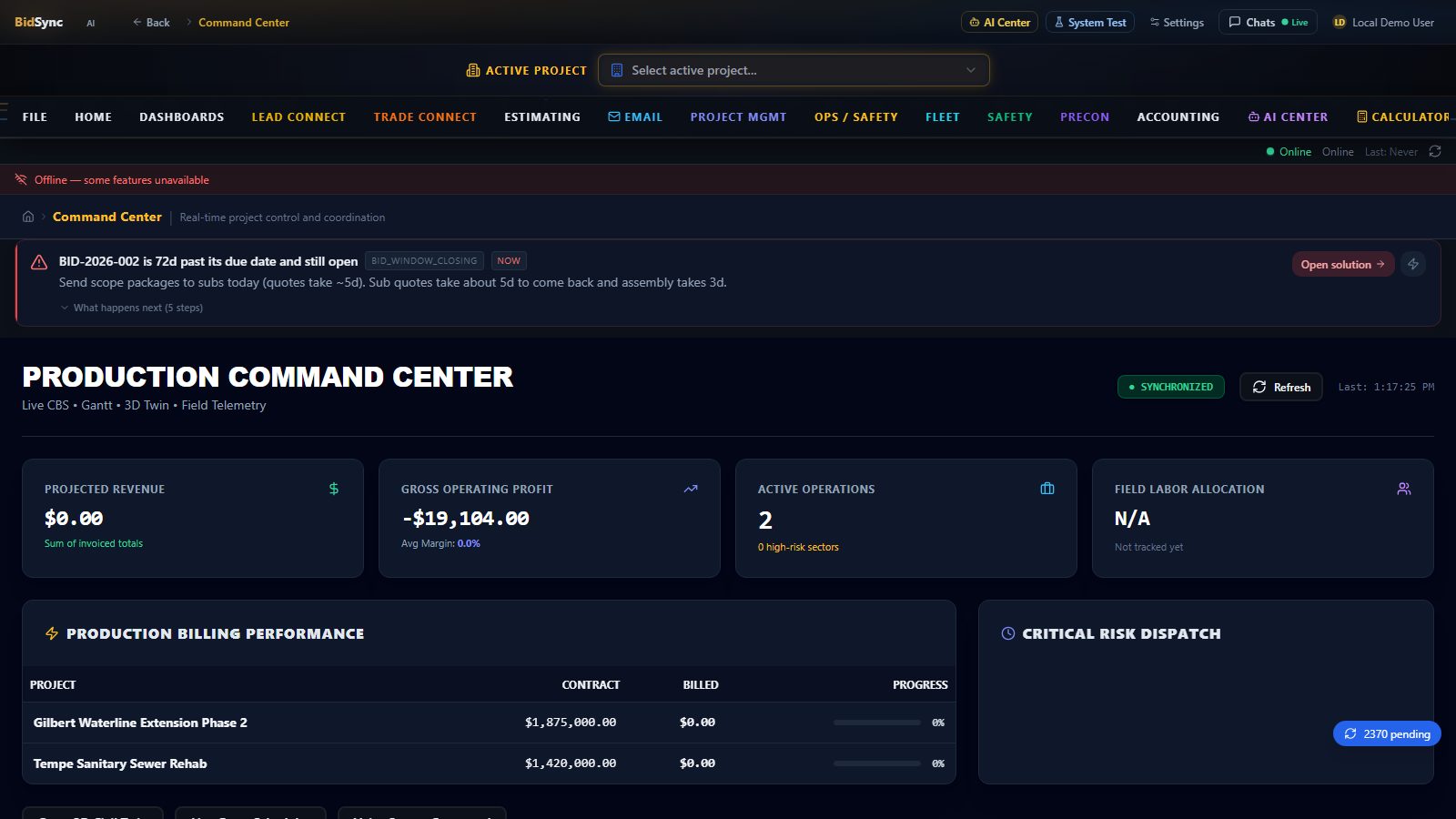
How NexusOS command center works in BidSync AI
NexusOS command center is not a plugin — it’s native to the BidSync AI operating system. You never leave the platform: it learns your trade, auto-saves, has undo, runs on any device, and works offline in the field.
- Never leave: NexusOS command center lives alongside estimating, field, and accounting — no context switch.
- No install: Browser-native, zero IT, runs on tablet/phone in trailer or field.
- Auto-save + Undo: Every change versioned — roll back any takeoff, estimate, or field entry.
- Offline-first: Capture nexusos command center data with no signal; syncs when back online.
- Evidence layer: Every quantity/action traces to its source (plan sheet/spec/DTM) for audit.
Example workflow
- Open
NexusOS command centerfrom the main menu. - Perform the work (e.g., for On-screen takeoff engine — trace plans, auto-extract quantities).
- Review evidence — each line links to
Plan C-302 / Spec 33 11 00with confidence. - Push to bid — quantities flow to assemblies, pricing, and field with no double entry.
Why it matters
Built by a contractor for contractors — not a generic SaaS. NexusOS command center stays inside the same platform as estimating, field and accounting, because it’s part of one operating system, not another app you bolt on.
FAQ — NexusOS command center
What is NexusOS command center?
NexusOS command center in Platform & Integrations — One operating system that plays well with others. Native, offline-first, and evidence-backed in BidSync AI.
Do I need a plugin for NexusOS command center?
No — it’s built in. No 3rd-party, no install, auto-save + undo on any device.
Where are the screenshots?
They are captured from the running BidSync AI app at 1600×900 — real screens, not mockups. Book a demo to see them live on your own plans.
See NexusOS command center live
We’ll run your own plans through NexusOS command center in a 5-minute demo — offline, evidence-linked, and crew-ready.