Estimating & Takeoff
From raw plan sets to defensible quantities.
Turn plan sets into measured, quantity-linked items. On-screen takeoff, blueprint analysis, and the AI plan analyzer feed a master bid-items database and historical cost libraries — so quantities, pricing, and field all agree.
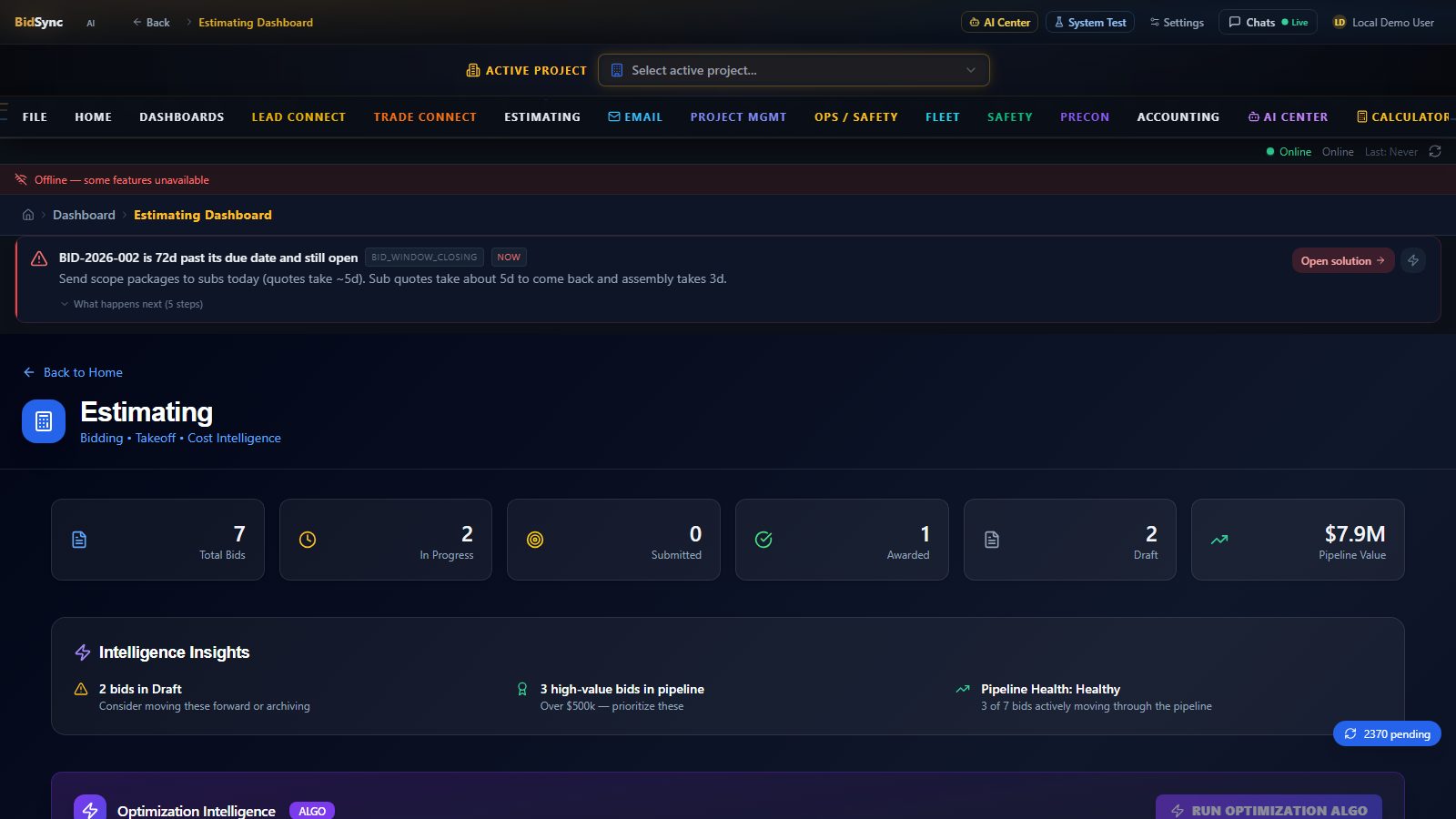
Estimating & Takeoff — /dashboard/estimating
Captured from the running app. From raw plan sets to defensible quantities.
Real Estimating & Takeoff screen captured from the running BidSync AI app at 1600×900.
What's inside Estimating & Takeoff
10 capabilities, all native to the BidSync AI operating system.
How estimating & takeoff works
- 01
Upload plans (PDF or DWG) — the AI plan analyzer and blueprint analysis engine extract areas, counts, lengths, and assemblies.
- 02
Take off on-screen with the assemblies library and master bid-items database — every quantity is dimension-linked.
- 03
Price the takeoff using historical cost databases and trade-specific pricing.
- 04
Push quantities straight into a unit-price bid package with evidence for every number.
Works alongside every other module
One system — Estimating & Takeoff connects to each of these without re-keying data.
FAQ — Estimating & Takeoff
How accurate is automated estimating takeoff?
BidSync AI benchmarks at 99.6% item capture on test plan sets, and every extracted quantity stays linked to its plan source so your team can verify any line before it prices the bid.
Does it work with hand-drawn or legacy plans?
Yes — the blueprint analysis engine handles scanned and legacy drawings, pairing computer vision with AI plan analysis for contours, entities, and assemblies. Vector PDFs and DWGs give the best accuracy.
How do takeoff quantities become bid items?
Quantities flow into assemblies and the master bid-items database, then into unit-price bid packages — no double entry between takeoff, pricing, and field.
Your next bid is
28 minutes away
Median 70% active-time saved (calendar ~95%) on benchmark sets — see methodology. See your own plans processed live.